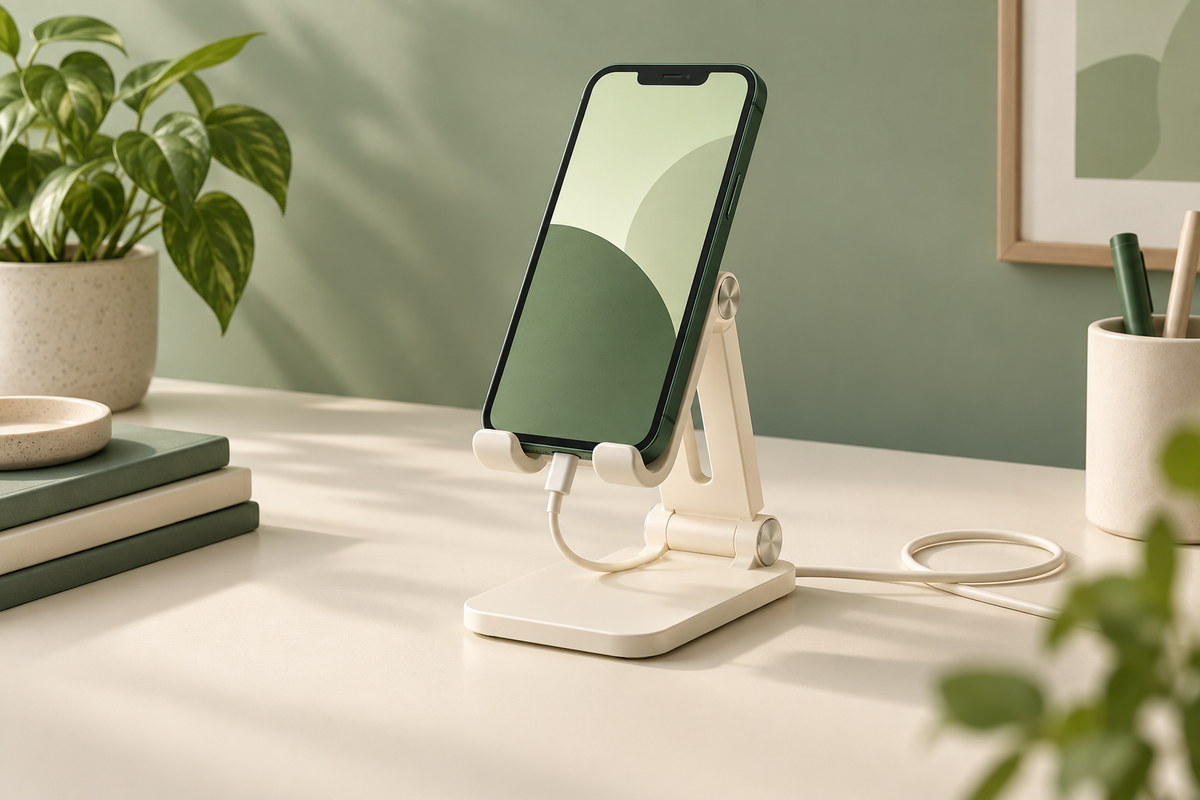
A phone stand is most useful when it improves a task you already do: following a recipe, checking a timer or keeping a video call visible beside your keyboard. Choose the position and viewing direction first, then compare the stand with the phone and case you plan to place on it.
Start with your desk position
The OMOTON C2 is an adjustable aluminum stand with cushioning and a charging cutout. Place a folded piece of paper where you intend to put the base. Check whether you can see the phone without blocking your monitor, mouse or usual writing area.
A promotional photograph cannot establish the best viewing angle for your chair and desk. Check your normal sitting position and the direction of any reflections. If the phone will be used for a call, also consider where its camera will point.
Check the complete phone shape
Compare your phone with its case attached against the listing's support area and fit guidance. A wallet case, ring grip or thick bumper can change how it rests. Do not assume a screen-size range accounts for every case or attachment.
Connect your usual charging cable while checking clearance. The connector needs room below the phone and a route across the desk. A cable cutout does not supply charging power; your existing compatible cable and charger still do that work.
Choose with the return terms visible
Confirm C2 and the selected finish on the product page, then compare condition and delivered cost. If you need something to fold for travel, compare the Nulaxy A4 before choosing. Keep the packaging until you have checked how the stand works with your own phone, case and desk.
Check OMOTON C2 phone stand on Amazon — paid link. Confirm the selected model, seller, price and delivery details on Amazon.
Read next: Nulaxy A4 case and cable fit guide.
Product reference: OMOTON C2 specifications. This is a buying guide based on published specifications, not a hands-on test. Listing availability checked September 13, 2026.